










Working from Home with Low Vision: Your 2026 Productivity Guide

Quick Summary:
- The Challenge: Standard laptop screens are too small for users with low vision, leading to eye strain and poor posture during remote work.
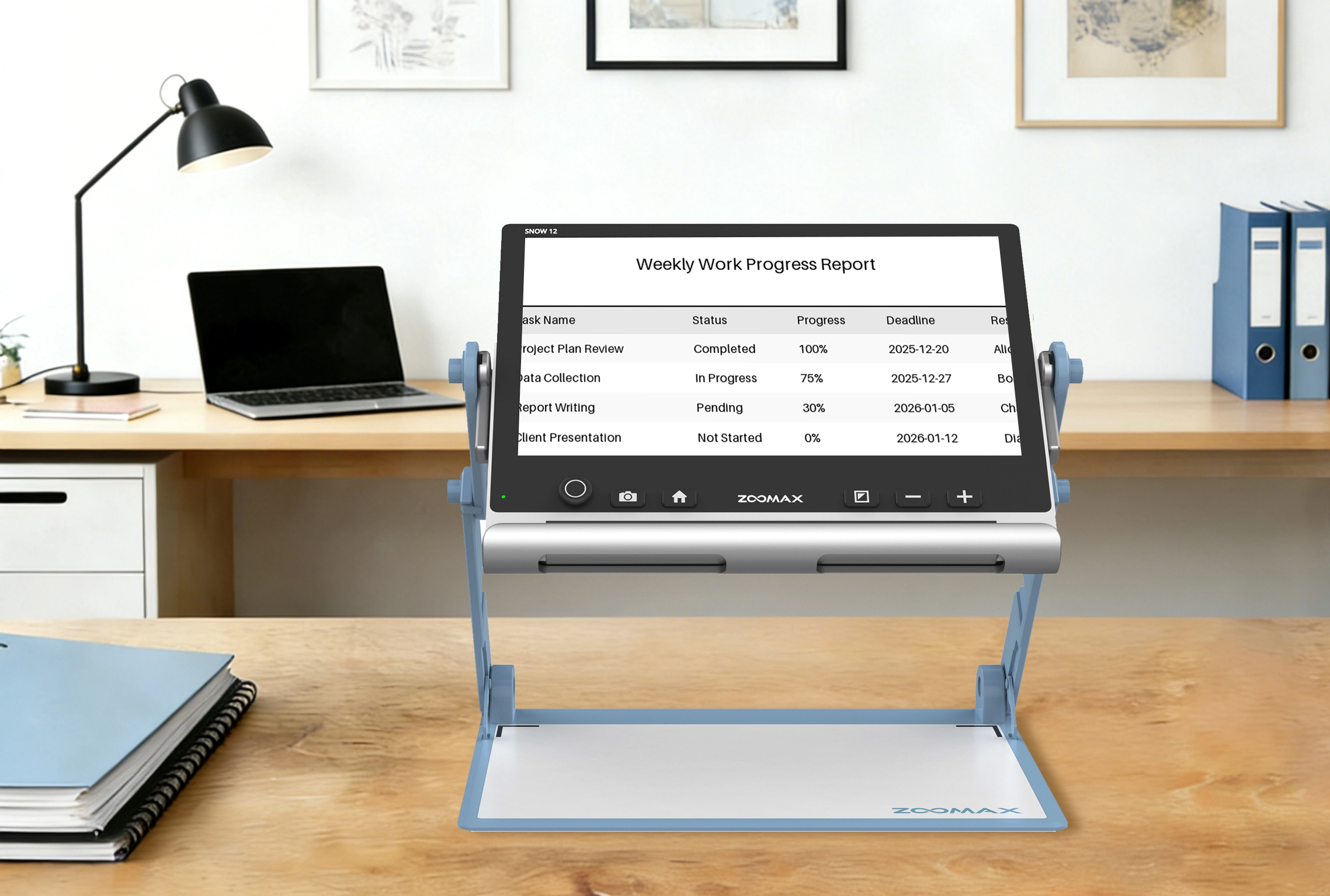
- The Solution: Create a professional low vision home office by combining the Snow 12 with large external monitors and ergonomic lighting.
- Key Features: Use the Snow 12’s HDMI output for a dual-screen experience and its OCR text-to-speech to reduce visual fatigue.
- The Benefit: A dedicated ergonomic workstation for visually impaired employees increases speed, comfort, and career independence.
Working from Home with Low Vision? Here is Your 2026 Checklist
Remote work is here to stay. It offers freedom and flexibility. But for the low vision community, it brings a new set of physical problems. Staring at a 13-inch laptop screen for 8 hours is brutal. It causes massive eye strain. It causes neck pain. It makes you less productive.
If you are struggling to keep up with your emails or spreadsheets, the problem might not be your skills. It might be your desk setup. You need a professional low vision home office setup. You need tools that act as "productivity multipliers." This guide will show you how to build a workstation that works as hard as you do.
The "Power Setup": Snow 12 + External Monitor
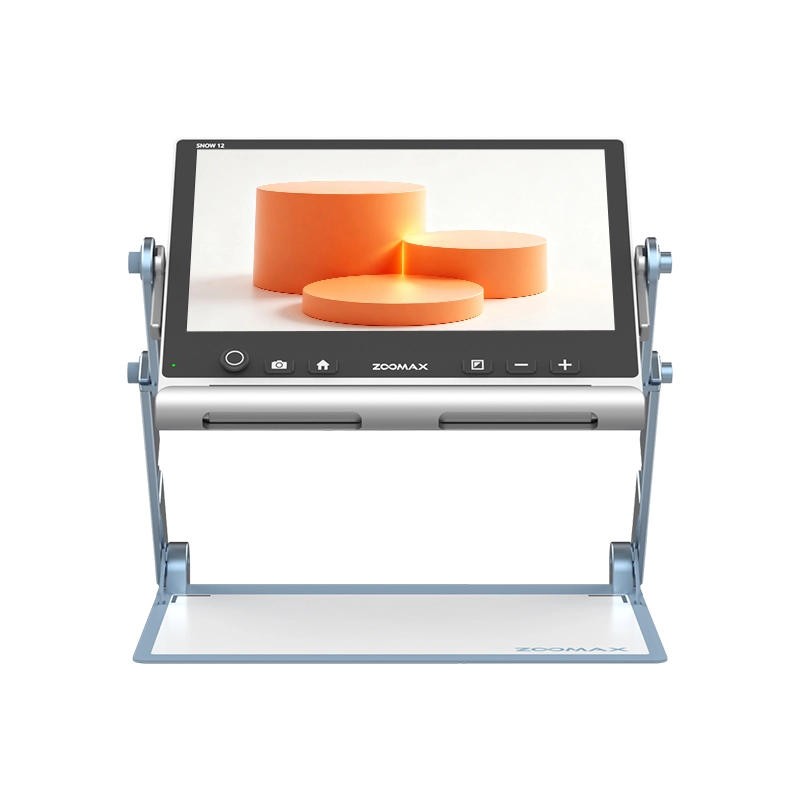
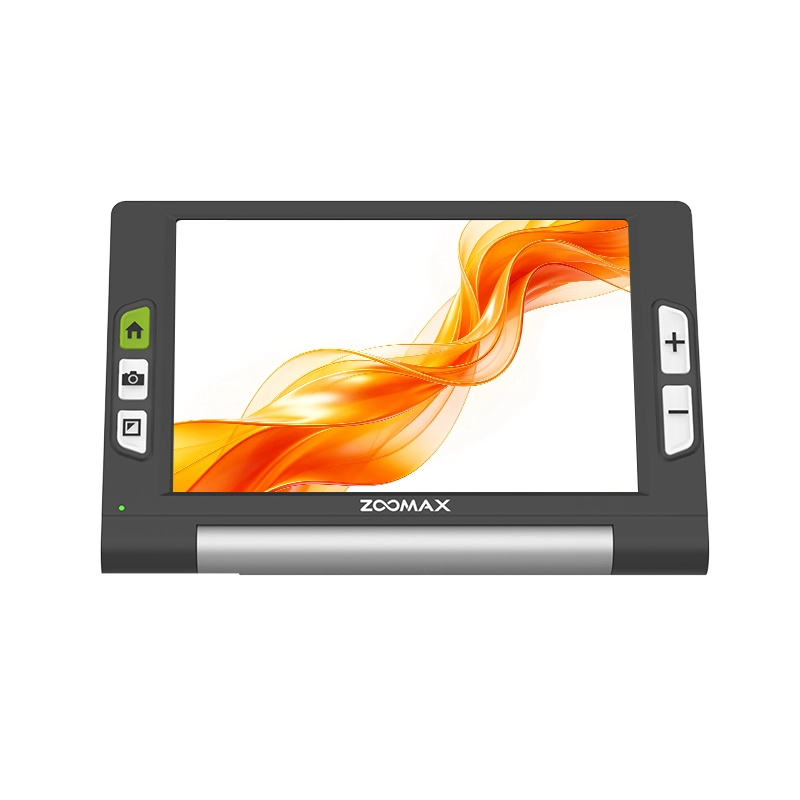
Many people use a Snow 12 just for reading books or mail. That is a mistake. It is actually one of the best magnifiers for computer work available today.
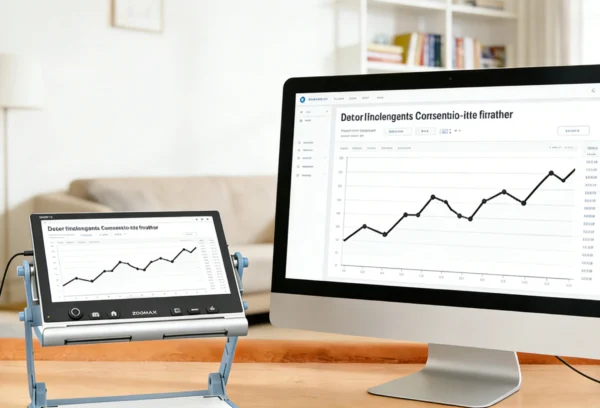
The Snow 12 has a built-in HDMI output. This is a game changer for office work. You can connect it to a 24-inch or even a 32-inch monitor.
- The Workflow: Place the Snow 12 on your desk under your hand. Put your paper documents, printed reports, or handwritten notes under its camera.
- The Result: The giant monitor in front of you shows the magnified image in real-time.
You no longer have to hunch over a small screen. You can sit up straight. Your posture improves. Your back stops hurting. This setup separates the "camera" from the "display," giving you a professional-grade viewing experience.
Stop Reading with Your Eyes, Start Listening
If you have to review a 20-page legal contract or a long technical manual, don't use your eyes for the whole thing. Even with the best magnification, long-form reading is tiring for someone with macular degeneration or glaucoma.
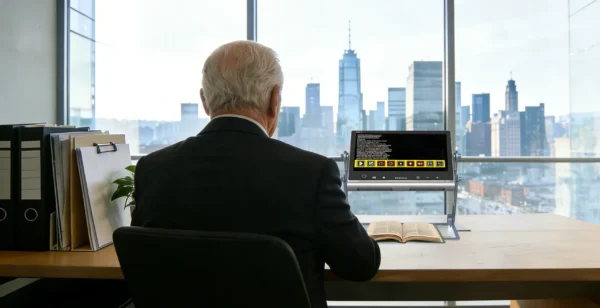
The Snow 12 features advanced OCR text-to-speech technology. You simply snap a photo of the printed page. The device recognizes the words and reads them out loud to you in a clear, natural voice. You can sit back, close your eyes, and listen. This saves your "eye energy" for tasks that really need it, like detailed editing or video calls. It is a vital part of any ergonomic workstation for visually impaired employees.
The Lighting Rule: Side is Better Than Front
Lighting can make or break your home office. Most people make the mistake of putting their desk directly in front of a bright window. They think the light will help. In reality, that "backlight" makes your screen look like a black void. It creates a silhouette effect that is very hard on the eyes.
Instead, place your desk perpendicular to the window. Use a dedicated desk lamp with a "cool white" LED bulb. Point the light at your papers, not at your eyes or the screen. This reduces glare. It also improves the performance of your high contrast video magnifier. When the lighting is right, the digital colors on your screen look much sharper.
Why a Desktop Unit Might Be Your Best Investment
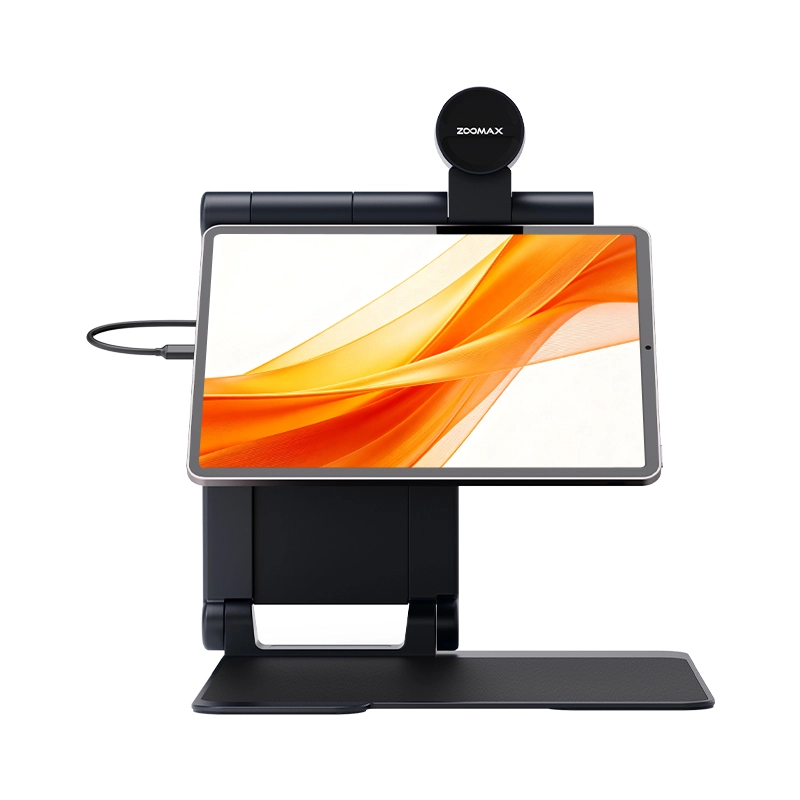
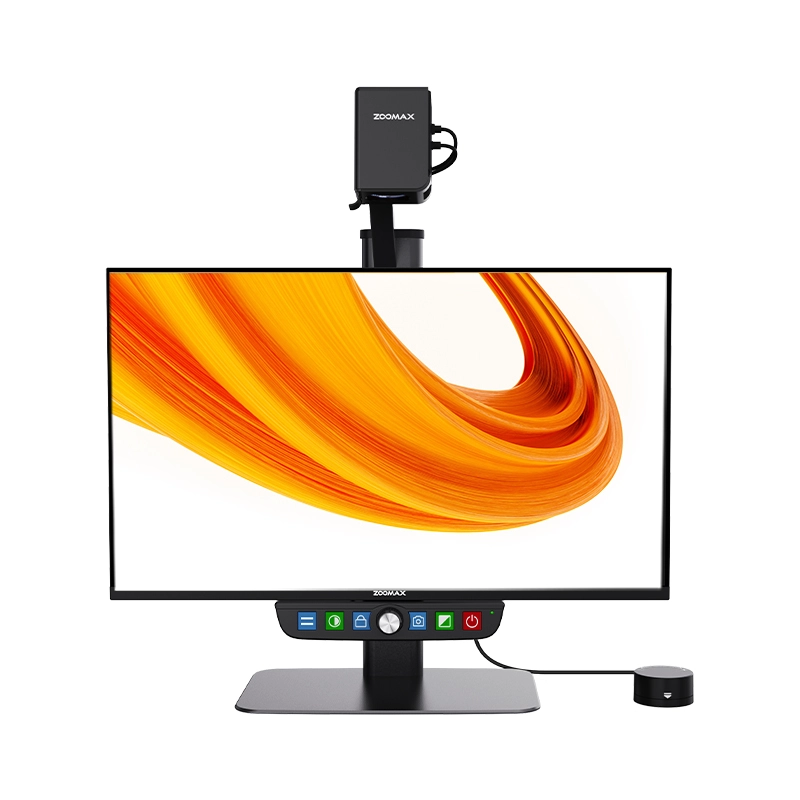
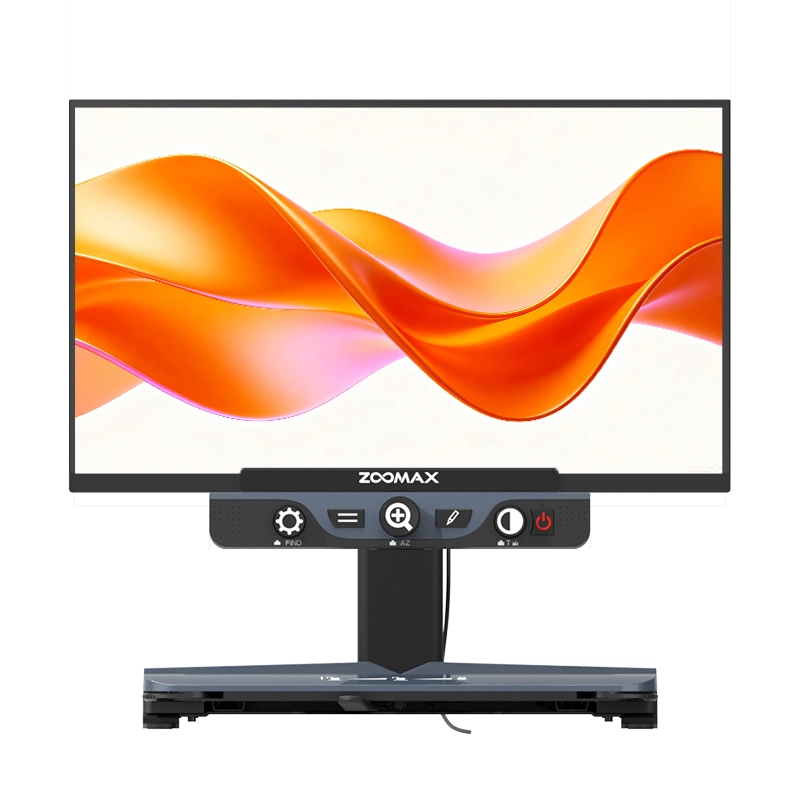
If you don't need to travel for work, consider a desktop electronic magnifier for work. These devices have massive 24-inch screens built right in. They are incredibly stable. They are perfect for engineers, accountants, or anyone who spends hours dealing with complex spreadsheets.
A desktop unit provides a huge field of view. You can see a whole line of an Excel sheet without moving the tray back and forth constantly. This "panoramic" view reduces the mental fatigue of piecing a document together in your head. It turns a "hard task" into a "normal task."
How to Fund Your Professional Workstation
Assistive technology is an investment in your career. The good news is that you might not have to pay for it all yourself. In the United States, there are many paths to funding.
- Vocational Rehab: Most states have Vocational Rehab These agencies help people with disabilities get the tools they need to stay employed or find new jobs.
- Employer Support: Under the Americans with Disabilities Act (ADA), many employers are required to provide "reasonable accommodations." A video magnifier is often covered.
- VA Benefits: If you are a veteran, Zoomax USA dealers might help you get the equipment you need through the Department of Veterans Affairs.
At Zoomax USA, we work with these agencies and employers every day. We can provide the formal quotes and technical paperwork you need to secure funding.
The Zoomax USA Local Support Advantage
Buying a professional video magnifier for your career is a big step. You need to know that you have support if something goes wrong. If your device needs a software update or a hardware repair, you don't want to deal with international shipping and customs.
With Zoomax USA, you get a local US warranty. You get a dedicated team ready for you. We can jump on a phone call or a video chat to help you set up your HDMI connection. We understand the software you are using. We understand the American workplace. This US-based support is what keeps our professional users up and running without downtime.
Customizing Your Digital Environment
Beyond the hardware, don't forget to optimize your computer's own settings.
- Large Text: Increase the DPI scaling in Windows or macOS.
- Cursor Size: Make your mouse pointer giant and bright yellow so you don't lose it.
- Inverted Colors: Many professionals find that "Dark Mode" on their computer works perfectly with the "Yellow on Black" mode on their Snow 12.
When your computer settings and your physical hardware work together, you create a seamless digital environment. You stop wasting time fighting your tools and start diving into your enjoyable work.
Try It Before You Commit
We know that every professional has different needs. An architect needs different magnification than a writer. This is why we offer a 30-day money-back guarantee.
Take the Snow 12 or a desktop unit into your office. Use it for a full week of meetings and reports. If it doesn't make you feel more confident and productive, you can return it. We want you to have the best portable electronic magnifier or desktop unit for your specific job. Click here to learn more about Snow 12 now!
Final Productivity Tip: The 20-20-20 Rule
Even with the best setup, eye health is key. Follow the 20-20-20 rule: Every 20 minutes, look at something 20 feet away for at least 20 seconds. This helps your eye muscles relax. When you combine healthy habits with a professional low vision home office, your career potential is limitless. You deserve a workspace that supports your vision and your ambition.