










Classroom Accommodations for K–12 Students with Low Vision: A Parent’s Back-to-School Guide

Summary
- Why review now? As students move into higher grades, lessons get faster and more complex—what worked last year may need adjusting before the new school year begins.
- What to discuss with the school: Key areas include seating and lighting, accessible learning materials, classroom activities, and communication with teachers and support staff.
- When to consider extra support: Watch for signs like relying more on classmates, struggling with note-taking, or needing more time to process visual information.
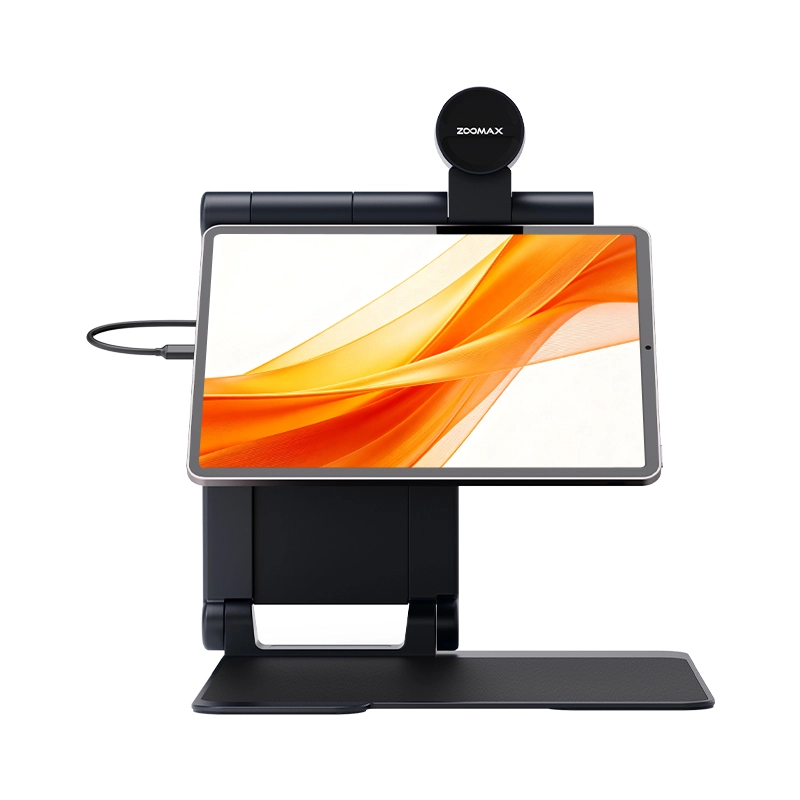
- How Snow Pad can help: A portable iPad magnifier with split-screen viewing, an HD distance camera, OCR and text-to-speech, and a foldable design for moving between classrooms.
- Limited-time offer: Special Back-to-School pricing, a free Luna S device, free shipping, and free consultation before ordering.
Start the School Year by Reviewing Your Child’s Classroom Support Needs
A new school year brings more than new supplies and schedules. For families of low vision students, it is also a good opportunity to review whether your child’s classroom support still matches their current needs.
As students move into higher grades, lessons often become faster-paced and more complex. They may have new teachers, new subjects, and more independent learning tasks, so the support that worked well last year may need adjustments as their learning environment changes.
Before classes begin, parents can take time to consider:
- Whether current accommodations still help yourchild participate comfortably;
- Whether new courses may create additional visual challenges;
- Whether yourchild is becoming more independent with everyday learning tasks.
The goal is not to replace what already works, but to make sure your child has the right support to feel confident and prepared for the year ahead.
What Parents Should Discuss with the School Before Classes Begin
One of the most important steps before the school year starts is having an early conversation with teachers and school support staff. This helps families understand what accommodations are already available and whether those supports will continue to meet your child’s needs as classroom expectations change.

Rather than focusing only on challenges, parents can work with the school to understand how your child will access lessons, participate in classroom activities, and complete daily learning tasks. Several areas are especially important to discuss before classes begin.
Classroom Environment
The classroom environment can have a major impact on how easily a student accesses visual information. Parents can discuss whether your child’s seating location, lighting, and glare allow them to see the teacher, whiteboard, or classroom displays comfortably.
Some students may benefit from sitting closer to the front of the classroom, while others may need flexibility to adjust their position during different activities. A comfortable classroom setup helps students spend less energy trying to access information and more energy focusing on learning.
Learning Materials
As students move through school, they often encounter more textbooks, worksheets, presentations, and digital resources. Parents can confirm that learning materials, assignments, tests, and digital files are available in accessible formats before they are needed.
Providing accessible materials allows students to participate more naturally in daily lessons instead of spending extra time trying to make information easier to see. This becomes increasingly important as learning activities become more complex and require greater independence.
Classroom Activities
Learning happens in many ways beyond reading a textbook. Science experiments, charts, diagrams, presentations, and group projects all involve visual information that students need to access.
Parents can ask teachers how your child will participate in different classroom activities and whether important visual information will be presented in an accessible way. A supportive classroom environment helps students stay involved in the complete learning experience, not just written assignments.
Communication with Teachers and Support Staff
Even well-planned accommodations work best when everyone understands how to support the student. Parents should make sure teachers understand your child’s visual needs, school staff know what support for visually impaired child is already in place, and everyone knows who to contact if new challenges appear.
Strong communication between families, teachers, and support staff creates a consistent support system and helps address problems before they affect learning.
Review Your Child’s Learning Progress and Current Support Needs
After discussing classroom arrangements, it is also helpful to look back at how current support worked for your child. Parents and school teams can review which accommodations helped the most, which learning tasks remained difficult, and whether new grade-level expectations may create additional challenges.
As children grow, their learning habits change. A student who was comfortable with certain strategies last year may need additional support as lessons become longer, faster, and more independent.
The purpose of this conversation is not to decide whether previous support was successful or unsuccessful. Instead, it helps families and schools understand what may need to be adjusted for the new school year.
When Your Child May Need Additional Visual Support
Classroom accommodations provide important support, but some students may need additional tools as academic responsibilities grow.
As students move into higher grades, they are often expected to access information more quickly, follow teacher explanations while working with their own notes, move independently between classrooms, and use more digital learning resources.
Parents may notice that your child:
- Relies more often on teachers or classmates to access visual information;
- Has difficulty keeping up with classroom notes or completing visual tasks within the expected time;
- Needs extra support when reading, processing, or organizing classroom information.
These changes do not mean previous support was unsuccessful. They simply reflect that children are growing and their learning needs are evolving.
When your child needs a more independent way to access classroom information, assistive technology for visually impaired students can become an important part of their learning toolkit by helping them access information more efficiently and build confidence.
How Assistive Technology for Visually Impaired Students Can Support More Independent Learning
As learning becomes more independent, students are expected to follow faster lessons, manage more assignments, and access information with less assistance.
Assistive technology is designed to work together with existing classroom accommodations. Instead of replacing teacher support or school services, these tools help students choose different ways to view or process information, reduce dependence on others, and develop greater independence during everyday learning tasks.
When considering a device, parents can ask whether it fits naturally into your child’s school routine, whether your child can use it comfortably across different classes, and whether it can support greater confidence and independence.
For students who need additional support accessing classroom information, a portable digital video magnifier can become a valuable part of their daily learning routine.
Zoomax Snow Pad: Helping K–12 Students Manage More Complex Classroom Learning
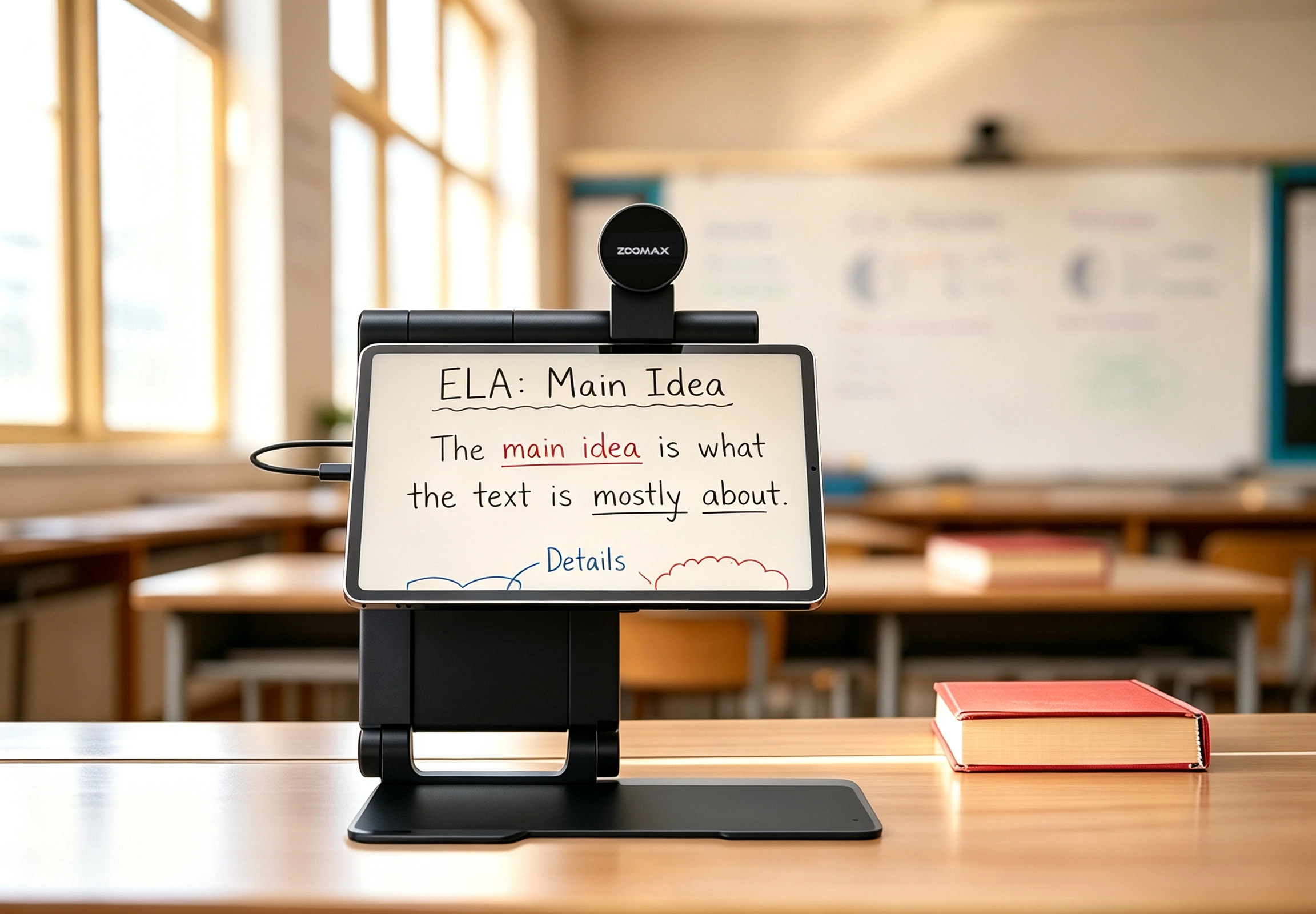
In upper elementary and beyond, coursework becomes faster and more complex, and students need flexible tools to access information and complete tasks independently. Snow Pad combines distance viewing, near viewing, and digital learning tools in one portable ipad magnifier screen solution—a Zoomax HD camera, the Snow Pad app on iPad, and built-in reading and note-taking features—so students can stay engaged throughout the school day.
Reduce Visual Switching and Classroom Fatigue with Split-Screen Learning
During a typical class, students switch between the whiteboard, their own notes, and worksheets—constant switching that can increase visual fatigue. Snow Pad’s split-screen view places distant and near content on one screen, allowing students to follow the teacher while keeping their materials visible. This reduces unnecessary visual effort and helps them focus on the lesson.
Capture More Classroom Details with Clear, Responsive Distance Viewing
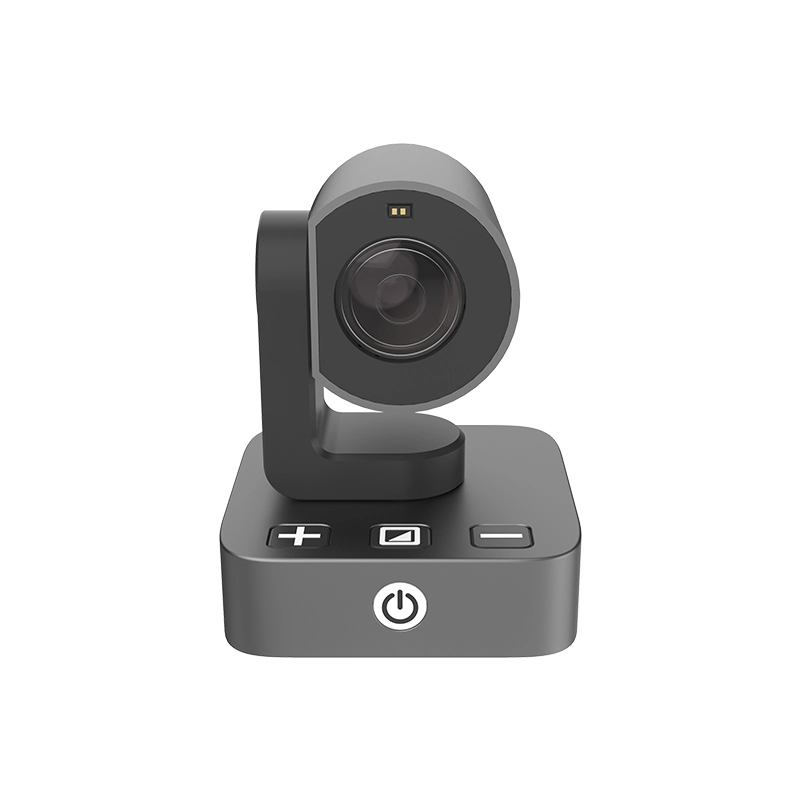
Classroom content moves quickly, with teachers shifting between whiteboard notes, slides, and demonstrations in a single lesson. For students who need real-time low vision aids for distance vision, Snow Pad’s HD camera with autofocus delivers clear, stable views. Students can rotate and adjust the camera to follow the teacher, track whiteboard writing, or zoom in on displays without moving the device. A guide line feature also helps locate and follow key areas.
Support Reading and Note-Taking with Built-In Digital Tools
Longer, more complex reading assignments call for alternatives to visual reading alone. The OCR and text-to-speech features of Snow Pad’ recognize printed text and read materials aloud, reducing reading fatigue. Students can also capture whiteboard notes and presentation slides for later review, making note-taking and organization easier.
Stay Ready for Different Learning Environments Throughout the School Day
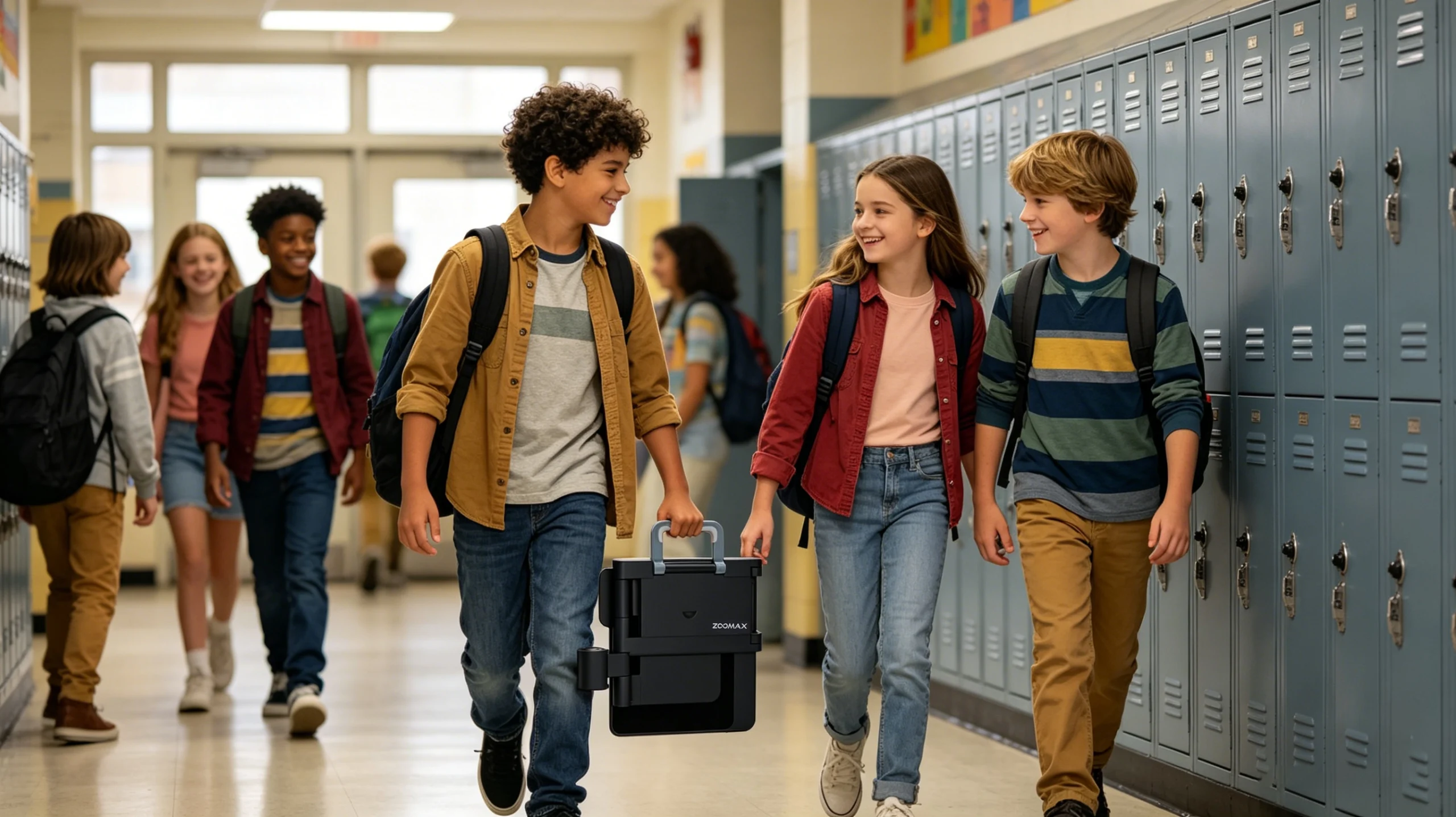
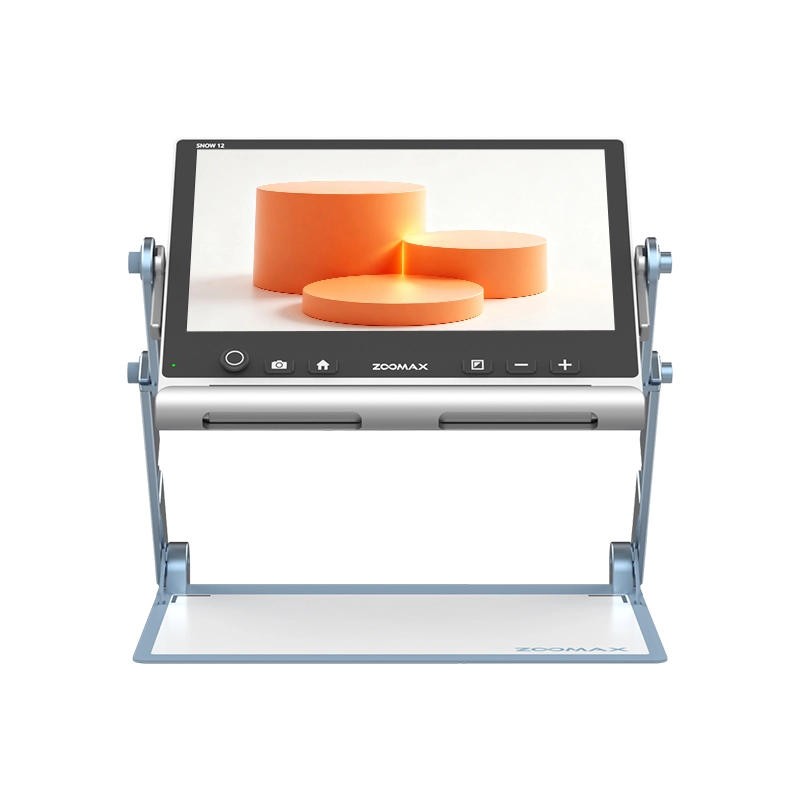
K–12 students move between classrooms, labs, libraries, and special subject rooms. Snow Pad folds for easy carrying and works without Wi-Fi, so students can rely on it during experiments, assignments, and everyday learning throughout the day.
Real Stories from Families of K–12 Students with Low Vision
A parent of a fourth grader in Ohio shared how Snow Pad changed her daughter’s daily routine. As science and social studies began requiring more written responses, her previous magnifier—which worked well for distance—offered no support for near tasks like writing in workbooks or completing worksheets. With Snow Pad, she now follows the teacher at a distance and enlarges her worksheet on the same screen, so she no longer has to choose between seeing the lesson and writing down her answers. Her mother noticed she participates more in class and comes home less tired.
Another parent, whose seventh-grade son attends middle school in Colorado, had a different challenge. Moving between classes throughout the day meant he had to pack up his learning materials and assistive device quickly. Snow Pad’s foldable, portable design makes it easy for him to pack up and move between classes without extra hassle. In addition, the device he used before Snow Pad often showed a delayed or blurry view of the whiteboard, making it hard to keep up with note-taking. Snow Pad gives him a clear, stable image without noticeable lag, so he can follow board work more easily. He now keeps up with note-taking more independently.
Help Your Child Start the New School Year with the Right Support
Preparing for a new school year is about more than buying notebooks and organizing schedules. For students with low vision, it is also about making sure they have the right tools to participate confidently, access information independently, and stay engaged in classroom learning.
The right combination of classroom accommodations and assistive technology can help students spend less time struggling to access information and more time focusing on learning.
To help families prepare for the new school year, Zoomax USA online store is offering a special Back-to-School promotion for Snow Pad.
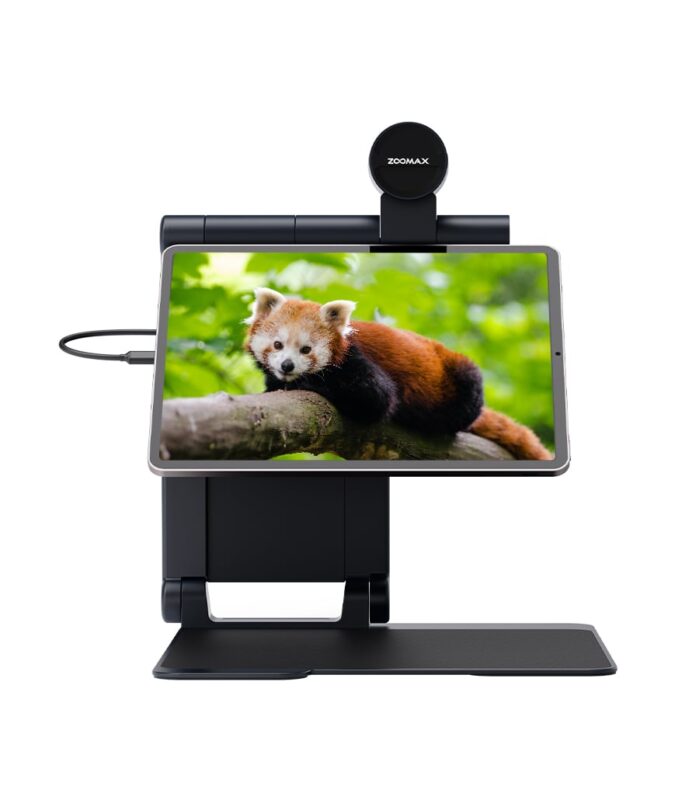
Snow Pad
Rated 5.00 out of 5
$1,655.00
(Please note, iPad is not included for sale.)
Snow Pad is a newly launched portable electronic visual aid designed to connect to your personal iPad tablet. It stands out for its stylish appearance, premium texture, and practical functions. Equipped with a low-power processor chip and high-efficiency image processing unit, Snow Pad offers high-definition, smooth picture quality for real-time viewing. The proprietary algorithm from our R&D lab ensures Snow Pad delivers vivid true colors, superior high-contrast tones, and clear details. For those seeking high-end low vision aids, Snow Pad is always the perfect option!
Snow Pad Back-to-School Offer — Limited Time Only
- Special Price:$1,395 (Save $160 off the regular price of $1,555)
- Free Luna S device upon confirmation (Retail value: $405)
- Complimentary free shipping
This offer is available through September 20, 2026.
Give your child a stronger start this school year with a learning solution designed to support classroom participation, independence, and confidence. Lock in your savings before the offer ends.
Not sure if Snow Pad is the right fit for your child? Our team is happy to answer your questions, walk you through the features, and help you decide. Reach out for a free consultation before you order.
Frequently Asked Questions
How can Snow Pad help my child in the classroom?
Snow Pad is designed to help low vision students access both distance and near information during daily learning tasks.
Using the Snow Pad app on an iPad, students can view distant classroom information such as the teacher, whiteboard, or presentations while also viewing nearby materials like textbooks, notes, or digital assignments.
Its split-screen feature allows students to see multiple types of information at the same time, helping reduce frequent visual switching and making it easier to follow lessons. Snow Pad also includes features such as OCR and text-to-speech to support reading and reviewing classroom materials.
Is Snow Pad easy for students to carry and use throughout the school day?
Snow Pad is designed for everyday learning environments, including classrooms, libraries, and other school spaces.
Its foldable, portable design makes it easier for students to carry the device between classrooms. Snow Pad can also work without an internet connection, allowing students to continue using its visual support features in different school environments.
Parents should consider their child’s age, daily routine, and school environment when deciding how the device will be carried and used.
Will schools provide or help pay for assistive technology like Snow Pad?
Support options vary depending on the student’s individual needs, school district policies, and available programs.
In many cases, families discuss assistive technology needs with teachers, vision professionals, or school support teams as part of the student’s educational planning process. If a student is having difficulty accessing classroom information, the school team may help evaluate whether additional tools could improve participation and independence.
Parents can start by discussing their child’s current learning challenges and asking what assistive technology options may be appropriate for their classroom needs.
What can I expect when purchasing Snow Pad from Zoomax USA?
When you purchase Snow Pad from Zoomax USA, you can enjoy free U.S. shipping, a 2-year warranty, and support from our team whenever you need assistance. Products are shipped from U.S. warehouses.
Snow Pad also comes with a 30-day free trial—try it with confidence, and if it doesn’t fit your child’s current learning habits, simply return it within 30 days for a full refund.
During the Back-to-School season, families can also take advantage of a special Snow Pad offer, including a discounted price, a free Luna S device upon confirmation, and complimentary shipping.