








Back to School Tips for K-12 to College Students with Low Vision: Getting Ready for the Classroom

Starting a New School Year with Confidence: What Students with Low Vision Should Prepare
A new school year is a fresh start. New teachers, new classes, and new learning experiences bring many exciting opportunities for students.
For students with low vision, preparing for school means more than buying supplies and organizing a backpack. It also means thinking about how to make learning more comfortable and accessible.
Low vision does not prevent students from succeeding in school. With the right preparation, support, and tools, students can find learning strategies that fit their needs and participate more confidently in the classroom.
Before the first day of class, students and families can ask:
- Can I comfortably access information in my new classroom?
- Do I know what support options are available at school?
- Do I have the right tools for this year’s learning tasks?
As students move into higher grades, classes often become faster-paced, more digital, and more independent. Preparing early can help students start the new school year feeling ready and confident.
The first step is understanding how students, families, and schools can work together to create a more supportive learning experience.
Work with Your School to Create a More Supportive Learning Environment
A supportive classroom starts with communication.
For K–12 students, families can connect with teachers before the school year begins to discuss classroom needs, learning materials, and possible accommodations.
For high school and college students, developing self-advocacy skills becomes an important part of becoming more independent. Students can communicate with teachers, accessibility offices, or disability support services to understand available resources.
Common support options for students with low vision may include:
- Flexible seating arrangements;
- Accessible digital learning materials;
- Classroom adjustments;
- Assistive technology for low vision students.
These supports help students access the same learning opportunities as their classmates.
However, classroom learning involves much more than sitting at a desk and reading a textbook. Students need to follow teacher instructions, view classroom demonstrations, complete assignments, participate in group activities, and work with digital resources throughout the school day.
The next step is thinking about how students can access information more easily across different learning environments.
Preparing for Different Classroom Environments with Low Vision
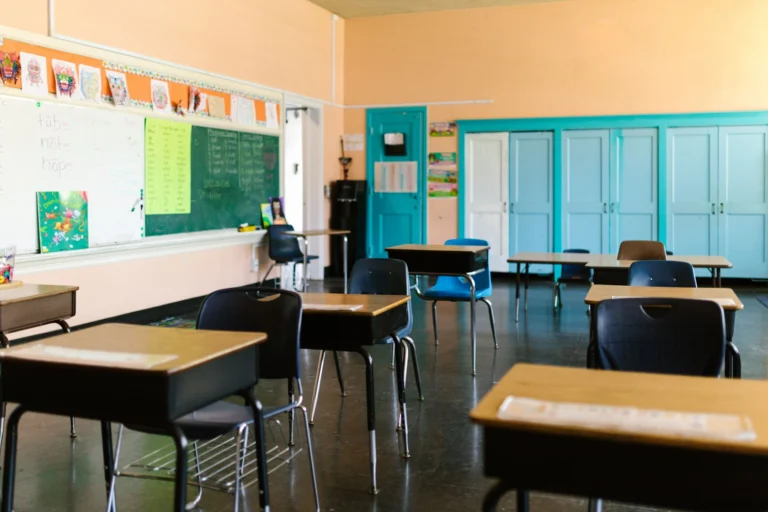
A student’s school day rarely happens in just one type of classroom. Each learning environment may create different visual challenges, and preparing for those situations can help students participate more comfortably.
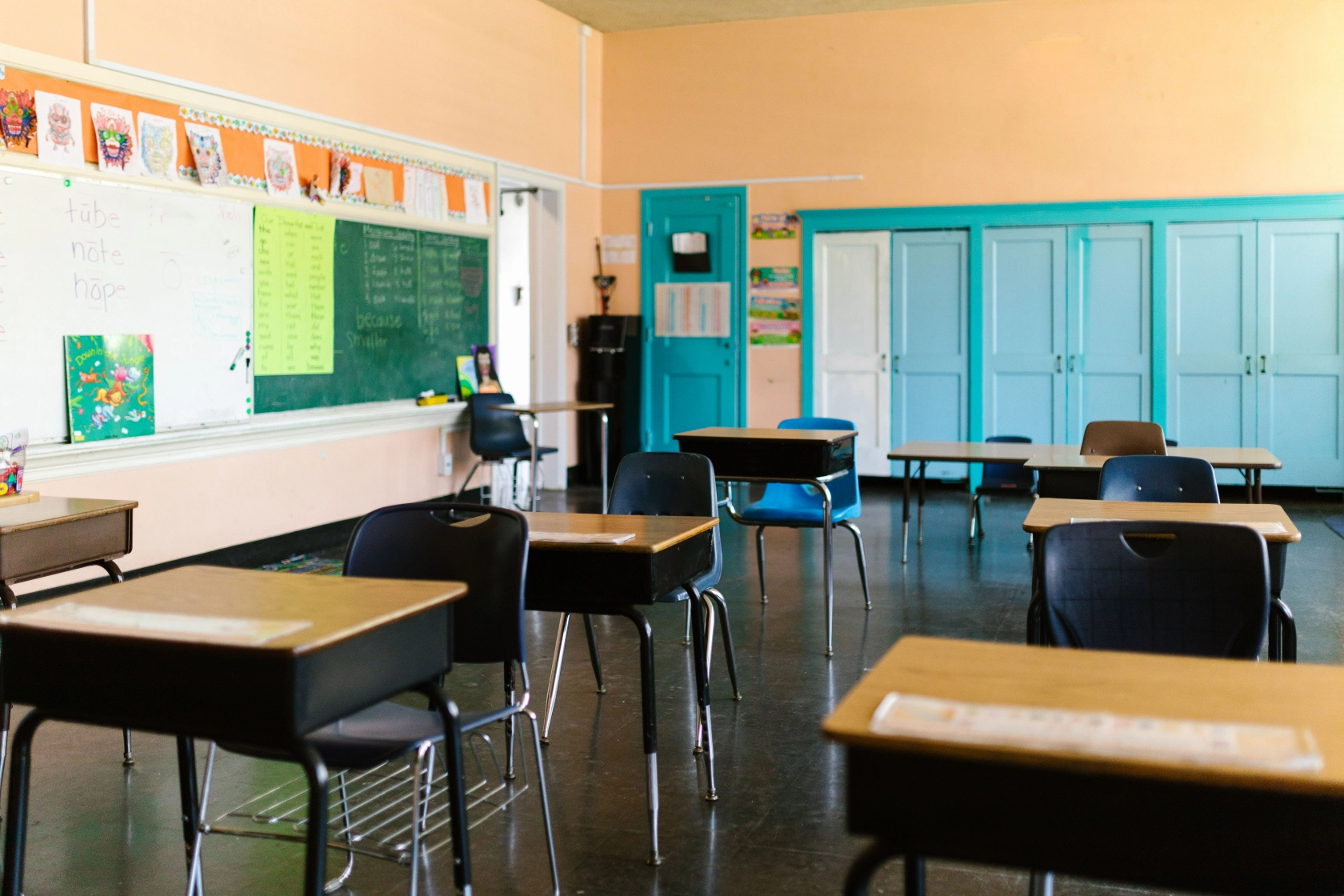
In a traditional classroom, students may need to look back and forth between the teacher, the whiteboard, classroom presentations, and their own notes. A teacher may write important information on the board, demonstrate a math problem step by step, or display a worksheet on a classroom screen—all while students are expected to follow along and complete their own work.
In science classes and labs, students may need to observe experiments, read instructions, identify equipment, and watch demonstrations from different areas of the classroom. These activities often require students to quickly access visual information while staying engaged with hands-on learning.
In art, music, and other activity-based classes, students may need to view details in artwork, read sheet music, follow teacher demonstrations, or participate in creative projects with classmates.
These experiences are an important part of school life, and low vision should not prevent students from exploring different subjects or participating in classroom activities.
Because students move between many classrooms and learning situations every day, a helpful visual support tool should not only provide clear viewing—it should also be practical, portable, and easy to use throughout the school day.
Choose a Portable Low Vision Solution That Fits the Way Students Learn Today
For students with low vision, the right assistive tool should do more than enlarge information. It should help students access classroom content more comfortably and support the way they learn every day.
An effective solution should help students:
- See important classroom information more clearly;
- Follow lessons more easily;
- Carry and use their support tools across different learning environments.
Because learning needs change as students grow, the right solution depends on a student’s age, classroom experience, and level of independence.
Here are two options designed for different stages of education.
Zoomax Snow Pad: Supporting K–12 Students with a Flexible Classroom Learning Experience
For many K–12 students, classroom learning means constantly switching between different types of information.
Imagine an elementary student sitting in a math class. The teacher is explaining a new problem-solving method on the whiteboard, while the student also needs to look at a worksheet, follow instructions in a textbook, and write down the answer.
For a student with low vision, repeatedly looking from the front of the classroom to the desk can make it harder to keep up with the lesson and stay focused.
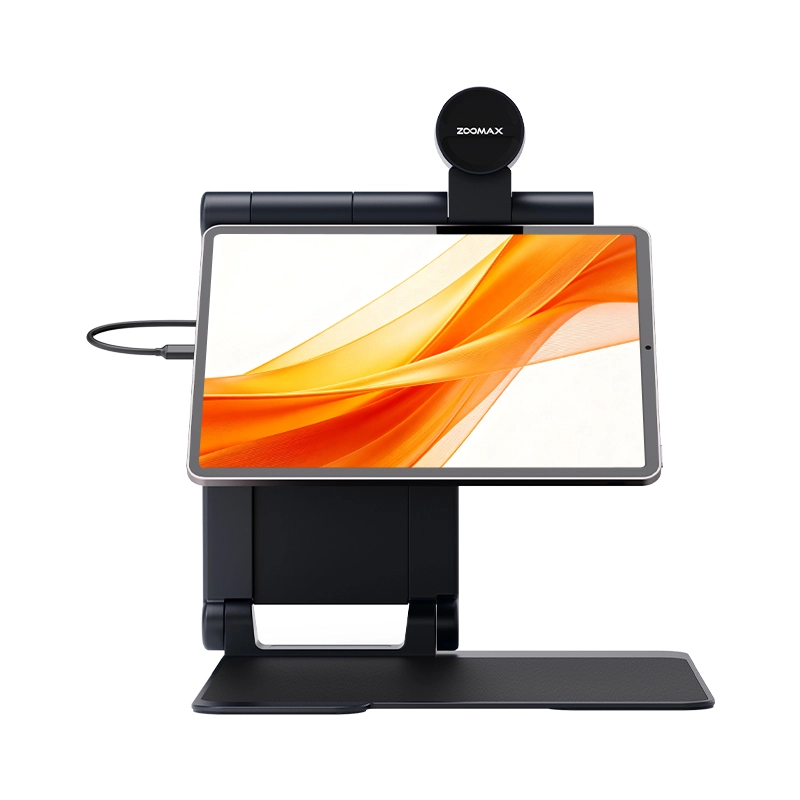
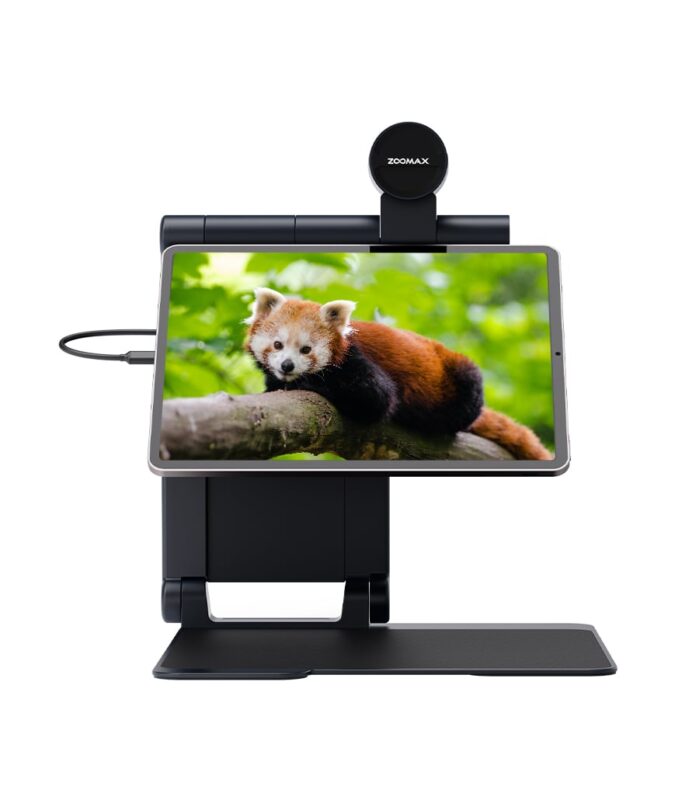
Snow Pad mag&read low vision tablet combines the iPad ecosystem with Snow Pad App features to create a more connected classroom learning experience.
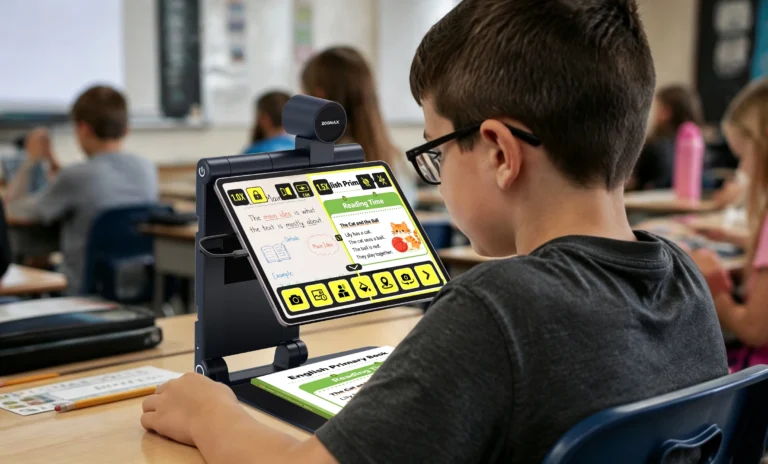
With the split-screen function, students can view distant classroom information and nearby learning materials at the same time. For example, a student can follow the teacher’s explanation or whiteboard content while also checking notes, textbooks, or digital learning materials on the same screen.
This helps reduce unnecessary visual switching and allows students to stay focused on learning instead of constantly adjusting between different viewing tasks.
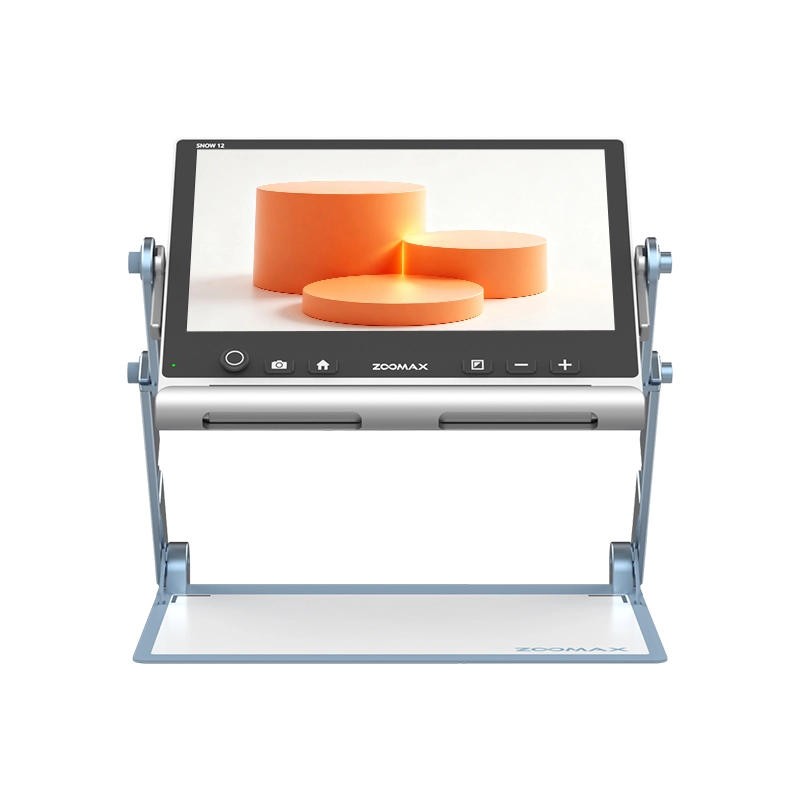
Designed for everyday classroom use, Snow Pad features an integrated, foldable design that allows students to use it during lessons, quickly pack it away afterward, and carry it between classrooms.
For K–12 students, Snow Pad is more than a magnification tool—it is a learning support solution designed to fit naturally into everyday classroom routines.
“My fifth-grade son has low vision. Before Snow Pad, his previous magnifier could only help him see the board from a distance, so he still had to constantly switch between looking at the screen and his large-print worksheets. With Snow Pad’s split-screen feature, he can now view the board and his textbook side by side, which keeps him from losing his place during lessons. The foldable design also makes it easy for him to pack up and move to his next class independently, which has given him much more confidence.” — Melissa T., parent of a 5th-grade student in Texas
Zoomax Snow Eye: Helping High School and College Students Connect Classroom Learning with Digital Workflows
As students enter high school and college, laptops become an essential part of daily learning. Students use computers for assignments, note-taking, online resources, and digital coursework.
For students with low vision, however, a laptop may not solve every classroom challenge. They may still need low vision aids for distance vision to view presentations, projected materials, or information displayed at the front of the classroom.
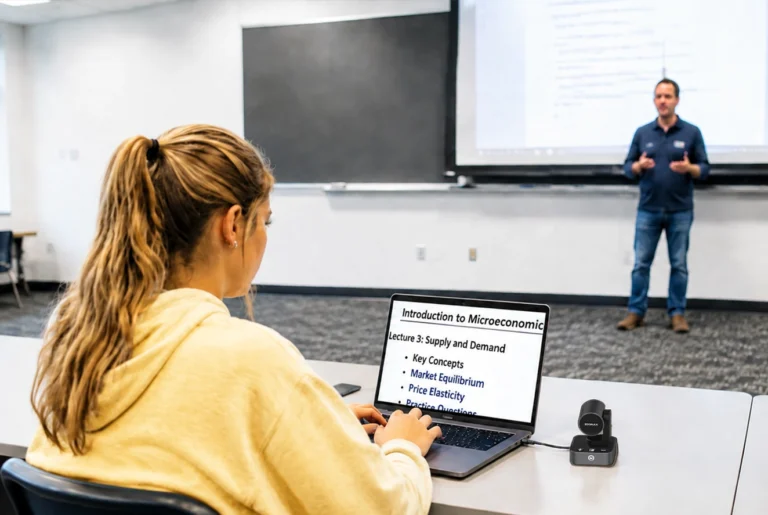
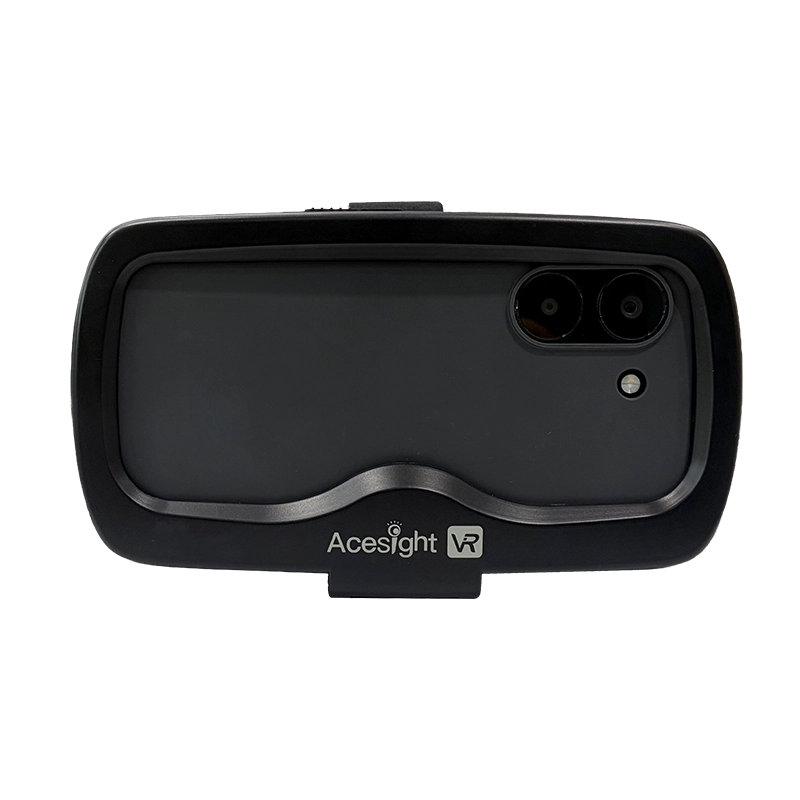
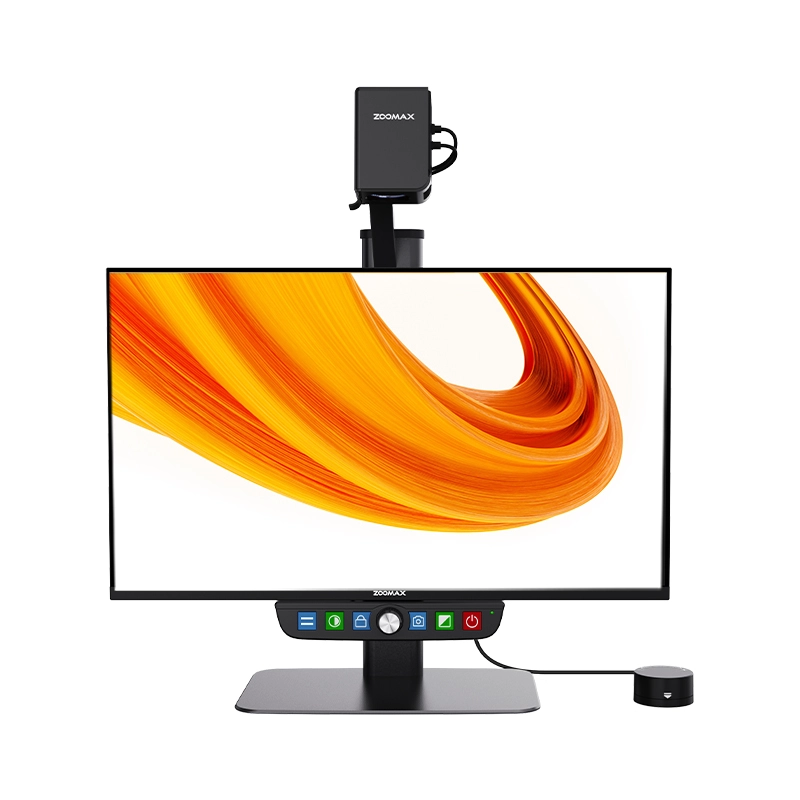
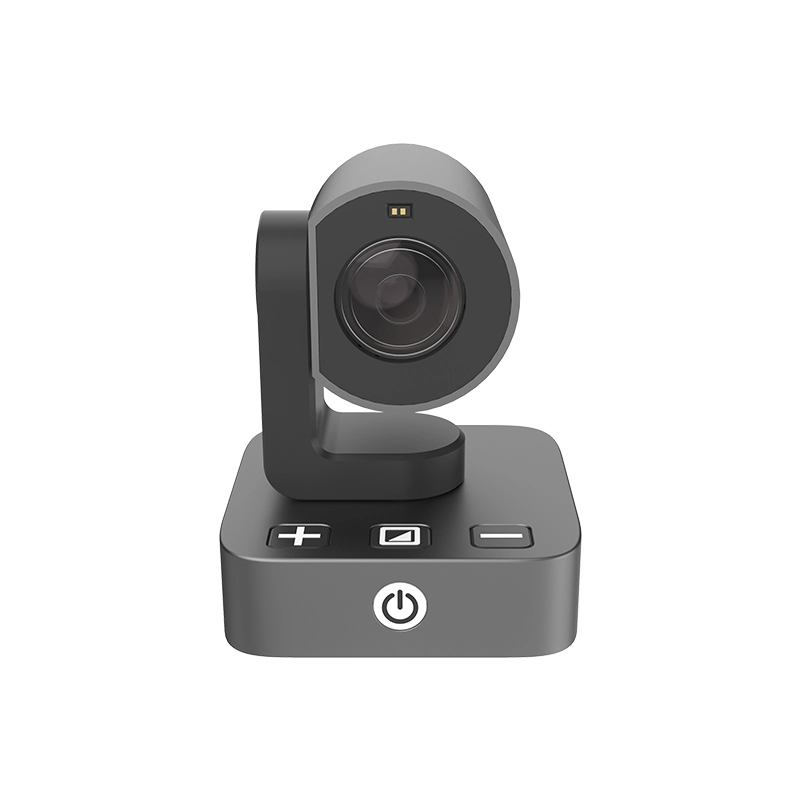
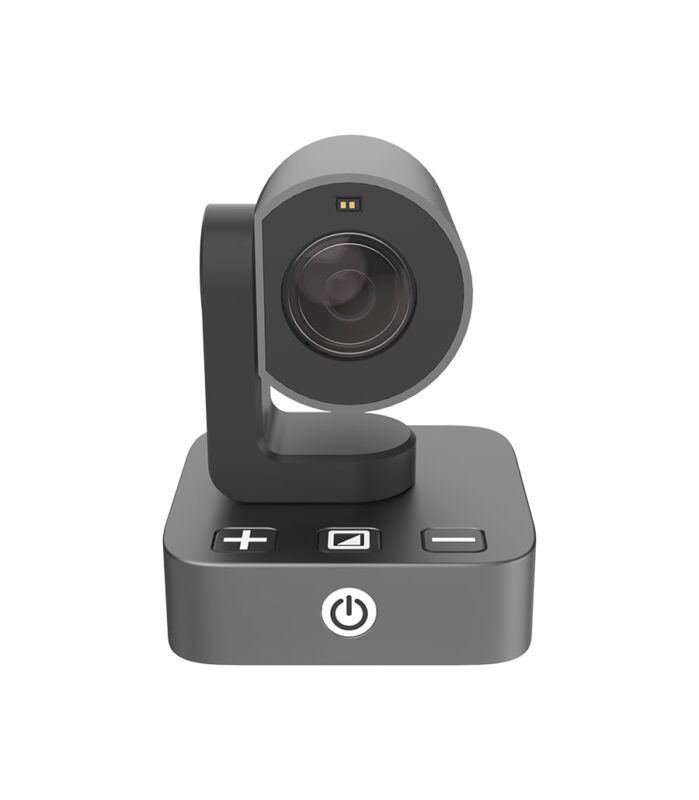
Snow Eye digital magnifying camera adds distance viewing capability to the computer students already use every day.
By connecting Snow Eye to a laptop, students can adjust distant information on their computer screen while continuing to work within their familiar digital learning environment.
This allows students and families to extend the value of an existing computer instead of investing in a completely separate learning system.
With its compact camera-like design, Snow Eye is easy to carry between classrooms, libraries, and study spaces.
For high school and college students, Snow Eye brings visual support into the digital learning tools they already rely on every day.
“As a college junior with low vision, I used to strain to read the small text on PowerPoint slides during lectures. With Snow Eye connected to my laptop, I can zoom in and see everything clearly from wherever I sit, so I can take notes without missing anything. I also bring it with me to hall events and guest talks—it lets me see the speaker on stage clearly even from the back of the room.” — James L., undergraduate at a public university in Arizona
Start the New School Year with More Confidence and Independence
A new school year brings new challenges, but it also brings new opportunities to learn, explore, and grow.
Every student has a unique way of learning. Finding the right support can help students access information more comfortably, participate more actively, and build confidence throughout their education.
Whether students are learning in a classroom, laboratory, or digital environment, the right assistive technology can help reduce visual barriers and make everyday learning easier. The ideal choice often depends on the student’s grade level and whether they primarily use a tablet or a laptop for learning.
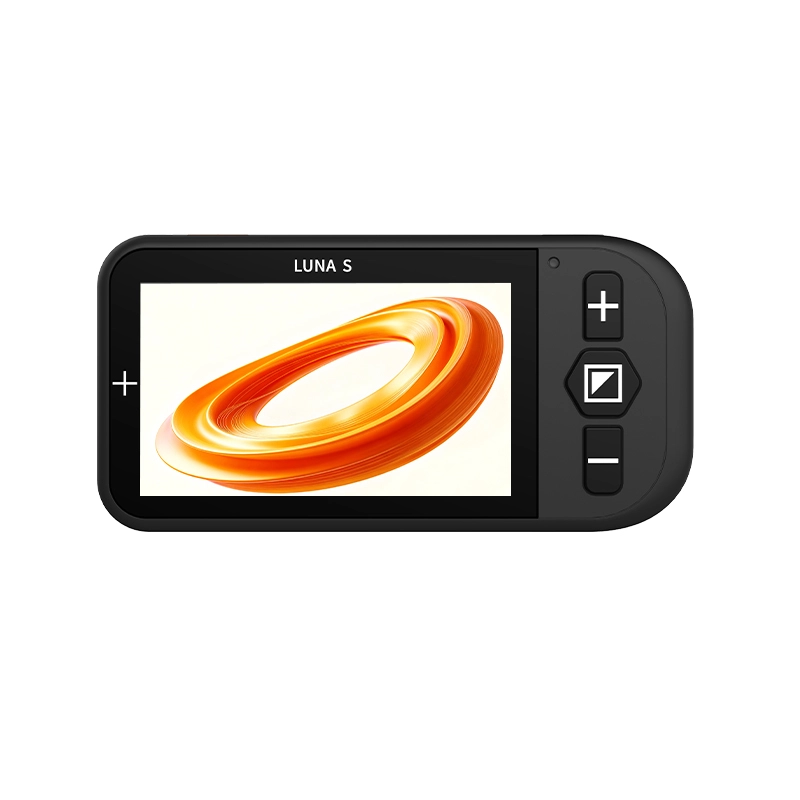
That’s why this Back-to-School season, Zoomax USA is offering significant savings designed with families in mind—especially on Snow Pad, which now includes a discounted price, free shipping, and a complimentary Luna S handheld electronic magnifier at no additional cost.
Limited-Time Back-to-School Savings
Snow Pad
- Special Price: $1,395 (Was $1,555)
- Free Luna S Device upon Confirmation
- Complimentary Free Shipping
Snow Eye
- Special Price: $655 (Was $725)
- 6 Months Extended Warranty + $50 Amazon Gift Card
- Complimentary Free Shipping
Please remember these offers are only available for a limited time and while supplies last. If one of these tools feels like the right fit, we encourage you to reserve it early—so students can walk into the new school year feeling prepared, confident, and ready to learn.
Preparing for school is about more than buying supplies. It is about finding the right tools and support to help students feel ready for the year ahead.
Visit Zoomax USA today to explore low vision solutions and take advantage of our limited-time Back-to-School offers. Start the new school year with more confidence, independence, and opportunities to learn.
Frequently Asked Questions
How do I know if my child needs to upgrade or replace their current electronic magnifier?
The most suitable solution depends on the student’s age, learning environment, and daily visual needs.
If your child already uses an electronic magnifier, start by observing whether it still supports their daily school tasks. As students move into higher grades, classroom demands often change—lessons become more digital, materials more varied, and the need to switch between distance and near viewing increases. Watch for signs such as difficulty keeping up with lessons, complaints about eye strain, trouble viewing both the board and worksheets, or frustration with carrying and setting up the device between classes. Talk with your child about what feels harder now, and check in with their teacher or special education team about how they access classroom information. If their current magnifier cannot support these changing needs or lacks features that match today’s learning environment—such as split-screen viewing or connection to a laptop—it may be time to consider an upgrade.
Can students use assistive technology in school classrooms?
Many schools support assistive technology as part of creating an accessible learning environment. Families can discuss their student’s needs with teachers, special education teams, or accessibility support staff to determine appropriate classroom support.
What is the difference between Snow Pad and Snow Eye for students with low vision?
Snow Pad is designed for K–12 students who need support with classroom learning, combining iPad features and Snow Pad App functions to help students view distant classroom information and nearby materials more efficiently.
Snow Eye is designed for high school and college students who use laptops for learning and need additional distance viewing support within their existing digital workflow.
Are Zoomax low vision devices easy for students to carry and use at school?
Yes. Snow Pad features a foldable, all-in-one design for easy classroom use and transport between classes. Snow Eye has a compact camera-style design that fits easily into a backpack for school, libraries, and study spaces.
What support is available after purchasing a Zoomax low vision device?
Zoomax USA provides customer support before and after purchase. Products are shipped from a U.S. warehouse and include a 2-year warranty. Customers can contact the Zoomax team for assistance with product questions or service needs.